Anthropic Claude Code Is the AI Coding Tool I Wanted Since Copilot Launched
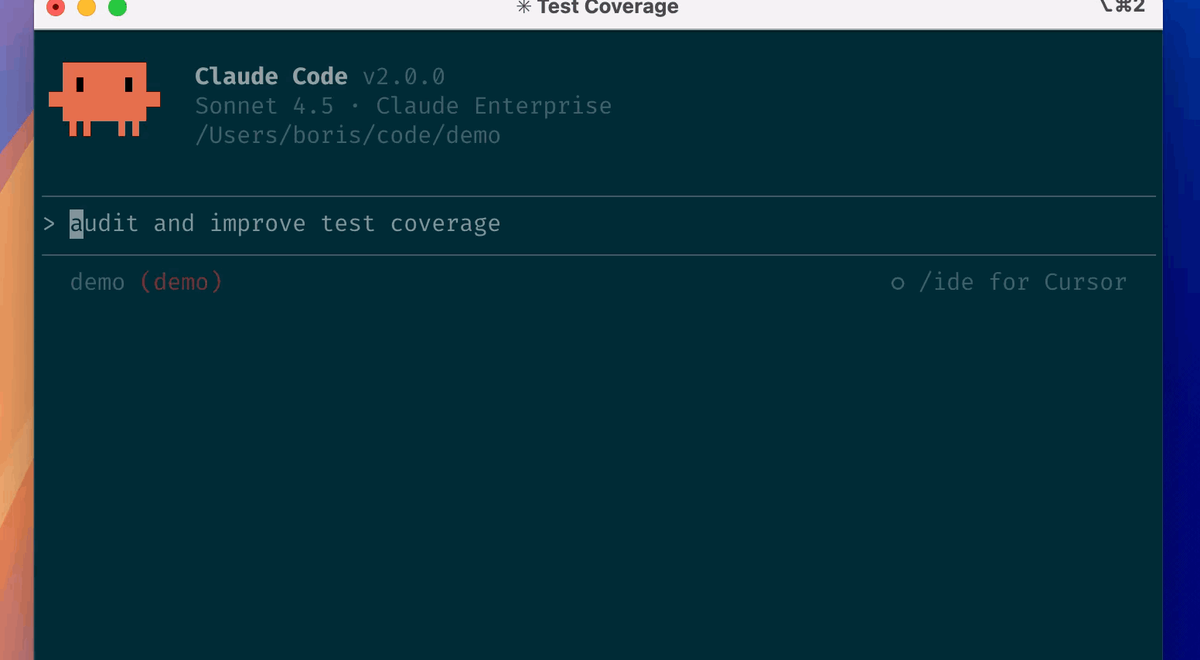
Copilot made coding feel faster—but it still mostly treated you like a keyboard. Anthropic’s Claude Code flips the model: instead of spitting out text for you to paste, it operates like a teammate in your repo. It reads your files, writes code, runs commands, checks results, and iterates until the work is done—right inside the terminal.
If you’ve ever thought, “I don’t need better autocomplete; I need an agent that can actually take a task from start to finish,” Claude Code is the first tool I’ve used that feels close.
Agentic coding that behaves like pair programming⌗
Most AI coding tools today are great at one thing: predicting the next token. Even when they wrap that prediction in chat, the workflow remains “generate something and hope it compiles.” You still do the expensive part—understanding the context, wiring the change into the right place, running tests, debugging failures, and iterating.
Claude Code changes that rhythm. The core promise isn’t that it can write code; it’s that it can work on a problem with the repository as its working memory.
Here’s what that looks like in practice:
- You give it a task (often via a GitHub issue).
- It reads the relevant files and the surrounding code patterns.
- It proposes and applies changes.
- It runs the commands you’d normally run (tests, linters, build steps).
- It checks what happened, fixes what broke, and repeats.
That last part matters. Pair programming isn’t “here’s a patch—good luck.” It’s “let’s make it pass,” with feedback loops built into the workflow. Claude Code behaves that way.
From issue to PR: the workflow shift you can feel⌗
The biggest difference is how Claude Code frames collaboration. With Copilot-style tools, you’re often the operator: you request code, then you integrate it, run it, and debug the results. With Claude Code, you’re more like a reviewer overseeing an execution loop.
Give it a GitHub issue and it can:
- Read the codebase to understand where the fix belongs.
- Write the changes in the right files and style conventions.
- Run tests and other checks that reveal whether the change is correct.
- Iterate when something fails—without you manually stitching the next attempt.
- Open a PR so you can review with the full diff and rationale context.
The practical outcome: you spend less time shepherding small generated snippets into a coherent change. Instead, you spend time on what humans are good at—reviewing approach, catching edge cases, and approving the direction.
A concrete example: “Make tests pass” isn’t enough—until it is⌗
Imagine an issue like:
“Fix flakiness in
ordersintegration tests. Failures occur intermittently in CI.”
With a token-predicting tool, you’d likely get a suggestion—maybe “add a retry” or “sleep before asserting”—and then you’d test it and probably spend an hour tuning until it behaves. You’d iterate manually, because the tool can’t reliably carry the loop across your project.
With Claude Code, you can hand it the same issue and let it do the loop:
- It finds the flaky tests and their dependencies.
- It traces the timing assumptions and where they break.
- It changes the code (or test strategy) in targeted places.
- It runs the test suite, observes the failure mode, and tries again.
Even when it doesn’t “know” the best fix instantly, the agentic behavior makes it safe to explore. You’re not stuck between guess-and-paste attempts—you’re watching an automated effort converge.
Terminal-native means fewer context switches⌗
AI coding tools usually fail developers not because they’re dumb, but because they create friction. If you have to copy prompts in one place, paste patches elsewhere, and keep reloading mental context, you lose momentum.
Claude Code being terminal-native is a quality-of-life decision that reads like a small detail but changes everything:
- It sees your filesystem and your project structure directly.
- It can run commands in the same environment you use.
- It can inspect outputs and adjust based on real error messages.
- It’s naturally aligned with how developers already work: edit → run → read logs → repeat.
This is what makes it feel like pair programming. In real pairing, you don’t ask your teammate to describe a patch and then you do the integration manually. You collaborate around an active session: they make changes, they run things, they show you what broke and why.
Claude Code’s workflow matches that.
“Work on this problem while I review” beats “generate for me”⌗
Here’s my firm opinion: the best AI coding tools shouldn’t replace your judgment. They should compress the busywork between your judgment calls.
The difference between “generate code for me to paste” and “work on this problem while I review your approach” is not just semantics—it changes how often you get interrupted.
When the tool generates code for you, you’re responsible for:
- choosing where to apply it,
- adapting it to your architecture,
- running tests,
- interpreting failures,
- and iterating.
When the tool works on the problem, that burden shifts into an execution loop the tool can handle reliably. Your job becomes:
- review the diff,
- sanity-check the strategy,
- confirm edge cases,
- and approve merge readiness.
That’s the kind of productivity gain you actually feel in a real sprint. You don’t just write less code; you make fewer “dead end” attempts.
How to get better results immediately⌗
Claude Code performs best when you give it a crisp task boundary. Instead of vague prompts, use issue-style specificity:
- What’s broken (error message, failing test name, repro steps)?
- What “done” looks like (tests passing, performance constraint, API behavior)?
- Any constraints (don’t change public API, keep backward compatibility, follow existing patterns).
If your issue description includes the right breadcrumbs, the agent can spend its time on implementation and verification rather than reverse-engineering your intent.
Practical patterns: how to use it like a pro⌗
Claude Code isn’t magic, and you shouldn’t treat it like you can delegate design. But you can structure work so the agent contributes at its strongest.
1) Start with a well-scoped GitHub issue⌗
Great issues include the failure signal and expected behavior. Even if you’re not sure of the fix, tell it what’s wrong.
Example:
- “
GET /v1/usersreturns 500 in staging” - “Integration test
users-listfails with timeout” - “Expected: returns 200 and includes
cursorfield”
2) Let it run the same checks you trust⌗
If your repo has make test, pnpm test, or pytest -q, make sure Claude Code uses those commands. The point isn’t “run something”; it’s “run the things that represent correctness.”
When an agent runs your real suite, you get a meaningful signal rather than a superficial “it compiles” state.
3) Review approach, not just the diff⌗
The agentic loop produces more complete changes, which means your review should focus on the strategy:
- Does it handle the failure mode it discovered?
- Did it introduce broader refactors than needed?
- Are new behaviors covered by tests?
- Did it respect existing conventions?
A quick scan of how it fixed the immediate issue—and whether that fix seems robust—will save you from merging subtle regressions.
4) Use it iteratively on “hard middle” problems⌗
Claude Code shines when the work isn’t just writing new code; it’s changing code under constraints:
- refactors that must preserve behavior,
- bug fixes that require understanding test failures,
- integration changes across multiple modules,
- cleanup of technical debt without breaking the build.
That’s where a feedback loop is everything.
The real promise: fewer “AI-driven” bugs, more engineering⌗
The best part about this category shift is psychological. Developers are cautious for a reason: AI-generated code can be syntactically correct and still wrong in ways that only show up during execution. Claude Code’s approach reduces that gap by staying close to execution—reading, writing, running, and iterating.
It’s not that it never makes mistakes. It’s that mistakes are handled inside the workflow, not after you paste something into your repo and discover it fails. When the agent can observe failures and respond, the tool becomes less of a suggestion engine and more of a task worker.
That’s why it feels like pair programming. Your attention moves from babysitting outputs to guiding outcomes.
Conclusion: the first AI coding tool that matches how teams actually build⌗
Copilot was a breakthrough, but it mostly optimized for completion. Claude Code feels like a bigger idea: agentic coding in the terminal that treats your repo as the workspace and treats your review as the final checkpoint.
If you want AI that can truly help you ship—read the context, implement the fix, run the tests, and iterate until it works—Claude Code is the tool I’ve wanted since Copilot landed.