How I Use ChatGPT as a Senior Developer (Without Losing My Mind)
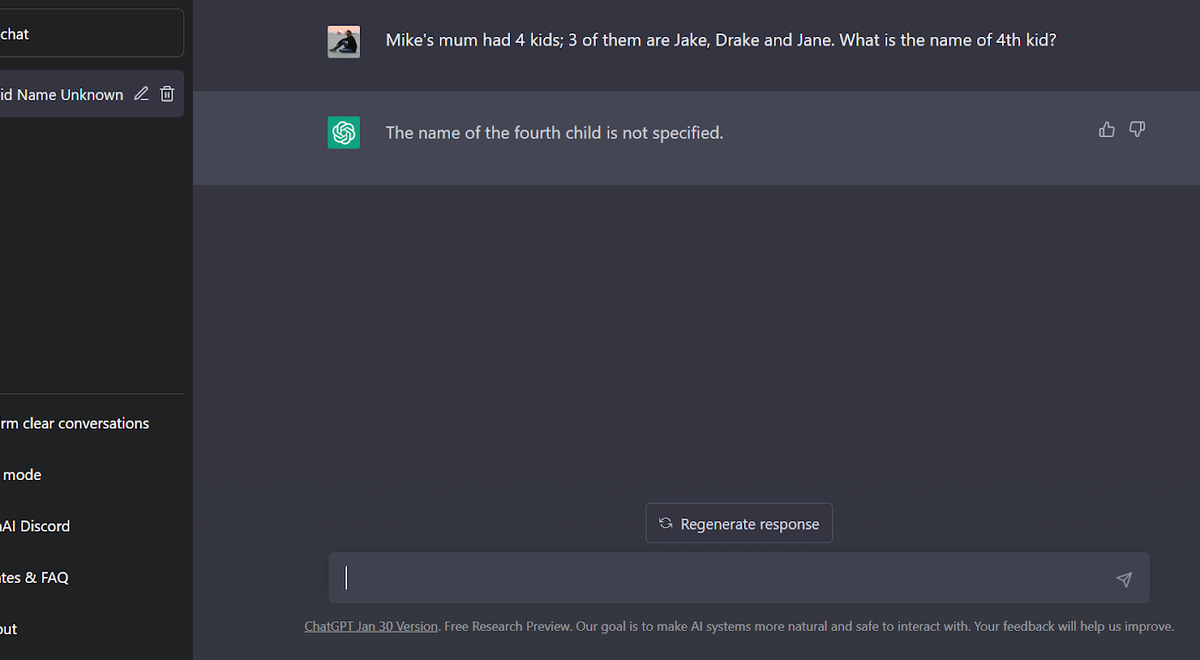
I didn’t “learn ChatGPT” so much as I built a workflow around it—one that treats the model like a sharp junior teammate, not an oracle. After months of daily use, the pattern is clear: when I’m exploring, translating, or brainstorming, ChatGPT accelerates me. When I’m deciding, securing, or computing precisely, it can quietly steer me off a cliff. The difference is knowing which prompt category I’m in before I hit send.
My rule of thumb: classify the task before you prompt⌗
Here’s the gating question I ask myself every time: Is this something I can safely iterate on, or something I must get exactly right? That single decision determines what I paste, what I ask for, and how I verify the output.
I split tasks into four buckets:
- Explaining and mapping (safe): unfamiliar codebases, unclear docs, “walk me through this.”
- Translating requirements (mostly safe): turn a spec into test ideas, edge cases, or example scenarios.
- Debugging and reasoning support (safe with discipline): rubber-duck style for complex logic.
- Deciding and delivering precision (danger zone): architecture, security-sensitive code, exact numerical reasoning, or anything tied to specific API versions.
If you do nothing else, do this: choose your bucket and tailor your prompt to match the risk. ChatGPT isn’t the risk—it’s the mismatch between the kind of certainty you need and the kind of certainty the model is designed to provide.
The sweet spot #1: explaining unfamiliar codebases⌗
The fastest way I get value is by treating ChatGPT like a code archaeologist. I paste a small slice—usually 50–150 lines around the behavior I don’t understand—and ask it to build a mental model.
My go-to prompt pattern:
- Give context first: language, framework, and what behavior you’re trying to understand.
- Constrain the scope: “Explain only this file/function and its call chain.”
- Ask for a trace: “What happens step-by-step when X occurs?”
Example:
You are reviewing a JavaScript/TypeScript service. Here’s a function
handleRequest(req)and the helper it calls.
Explain:
- the data flow from
reqto the final response,- where validation happens, and
- which branch handles error conditions.
Don’t suggest refactors yet—just narrate the current behavior.
What I look for in the answer:
- It should mention the real variables and branches I provided.
- It should identify what’s missing (e.g., “This function assumes
userIdis present but I don’t see the check here.”). - It should surface questions I can answer with additional code.
Where this wins: the first pass is often enough to guide my next search in the repo. ChatGPT turns “Where do I even start?” into “Here are the three files and conditions I should inspect.”
The sweet spot #2: generating test cases from requirements⌗
I use ChatGPT to turn vague product language into testable expectations. This is not “generate the tests and ship.” It’s “generate the candidates and make them real.”
My prompt pattern for test generation is brutally structured:
- Paste the requirement (or user story).
- Provide known constraints (e.g., time zones, input formats, limits).
- Ask for equivalence classes + boundary cases + negative cases.
- Request tests in a specific format (table-driven, Jest, pytest, etc.).
Example:
We have an endpoint
POST /v1/events. Requirements:
eventTypeis required and must be one of:click,view,purchaseuserIdis optional; if omitted, store as anonymoustimestampmust be ISO-8601 in UTC (e.g.,2026-03-19T12:34:56Z)
Generate a test plan with:- 5 happy-path tests
- 6 validation tests
- 4 edge/boundary tests
- 3 security-ish misuse tests (e.g., wrong content-type, oversized payload)
Then output pseudocode tests in Jest-style.
What makes this effective:
- I don’t ask for “the correct behavior”—I ask for “a test plan.”
- I insist on format and constraints so the model can’t drift into generic advice.
- I always follow up with: “What assumptions did you make that I should verify in code?”
My verification step is mechanical. I pick one or two tests to run immediately and use the rest to guide code reading. Test generation becomes a map, not the territory.
The sweet spot #3: rubber-duck debugging complex logic⌗
When logic gets gnarly—distributed edge cases, state machines, off-by-one territory—ChatGPT shines as a rubber duck that can keep up. The trick is to force it to ask questions and reflect its reasoning back at you.
My prompt pattern:
- Provide the problematic function (or simplified version).
- Tell it what you already believe is happening.
- Ask it to enumerate hypotheses and contradictions.
- Require it to point to what would falsify each hypothesis.
Example:
Here’s a simplified function that calculates a rolling window score.
Current behavior: when the window crosses midnight, scores sometimes reset unexpectedly.
Assume I might be misunderstanding the timestamp conversions.
Do this debugging:
- Restate the algorithm in plain English
- List the branches that behave differently near midnight
- Identify 3 plausible bugs
- For each bug, tell me what input would disprove it and why
The output I want isn’t a verdict; it’s a menu of targeted experiments. Once I have that, I can instrument the code or write a focused failing test. ChatGPT accelerates the “what should I check next?” loop.
The sweet spot #4: writing regex patterns that actually match⌗
Regex is where I’m willing to delegate “construction,” because it’s easy to test. If you can run it against representative inputs, you can validate quickly.
My prompt pattern:
- Provide the goal in examples (“matches these, rejects those”).
- Specify the regex flavor (JavaScript, PCRE, RE2, etc.).
- Ask for anchored vs unanchored variants depending on use case.
- Request explanation of groups and boundaries.
Example:
Write a JavaScript regex that matches filenames like
invoice_2026-03-19_v3.pdf
Requirements:
- Must start at beginning and end at
- Date is
YYYY-MM-DD- Version is
vfollowed by an integer (no decimals)
Return:
- the regex,
- a list of example strings it matches, and
- a list it must reject.
The “must reject” list is the real win—it exposes the model’s tendency to be overly permissive. I then run the regex against those examples, and only then do I integrate.
The failure modes I refuse to delegate⌗
Here’s where I draw hard lines. These are categories where ChatGPT can be persuasive in the wrong way—producing plausible code or explanations that fail under constraints you didn’t explicitly enforce.
1) Architecture decisions⌗
ChatGPT can propose elegant structures that don’t fit your system’s operational reality: deployment model, data ownership, migration strategy, team workflow. I use it for diagramming and options, not choosing.
What I do instead: ask for trade-offs, then make the decision myself:
- “List three architecture options and the operational implications of each.”
- “What questions should I ask my team to choose?”
2) Security-sensitive code⌗
Anything involving auth, authorization, cryptography, input sanitization, permission boundaries, or threat modeling is not a “paste and hope” zone. Even if the code “works,” it can be subtly wrong.
What I do instead: use ChatGPT to produce a checklist:
- “Give me a security review checklist for OAuth token validation in Node.js.”
- Then I implement with known, reviewed patterns and run the full test suite.
3) Precise numerical reasoning⌗
If the task hinges on exact math, floating-point behavior, financial rounding rules, or tricky time arithmetic, I treat the model as a brainstorming partner at best. “Looks right” isn’t good enough.
What I do instead:
- derive formulas myself,
- write a few canonical tests with known inputs/outputs,
- and then use ChatGPT to help explain discrepancies rather than compute final truth.
4) Code tied to specific API versions⌗
Models often generalize: an SDK method changed, a parameter was renamed, an error response structure differs. If your code must match a particular API version, you need deterministic references.
What I do instead: include the exact version and relevant docs snippet in the prompt, and ask ChatGPT to only transform what you gave it—never invent.
Red flags in outputs: when I stop trusting it⌗
Even in safe categories, I watch for signals that the model is making stuff up or smoothing over uncertainty:
- Confident language with missing assumptions: “It will work” without referencing your constraints.
- Invented file names or symbols: if it claims there’s a helper I didn’t paste, that’s a no-go.
- Unverifiable leaps: “This is the algorithm” when the reasoning depends on something not present in your code.
- Off-by-default behavior: regex or parsing outputs that lack anchors, flags, or boundary conditions you didn’t request.
- Citations to nonexistent docs: if it references a behavior “from the docs” but you didn’t provide the docs, treat it as suspect.
When I see these, I don’t argue with it—I shrink the prompt. More context. Narrow scope. Ask it to point to exact lines. Or ask it to produce questions I can answer with additional code.
Conclusion: use ChatGPT like a tool with guardrails⌗
ChatGPT became genuinely useful for me once I stopped trying to make it “smart” and instead made it consistent. In the best cases—explaining unfamiliar code, generating test candidates, rubber-duck debugging, and crafting regex—it speeds up my feedback loops. In the worst cases—architecture, security-sensitive code, precise numerical reasoning, and version-specific integrations—it can sound right while being dangerously wrong.
So my final advice is simple: classify the task, constrain the scope, and verify every output that must be exact. If you do that, you’ll get faster without losing your mind—and without shipping the model’s confidence as if it were proof.